

Submitting a project to the WalletConnect Dashboard Explorer is recommended but optional. You can still use WalletConnect services without submitting your project.
However, doing so ensures that your project is listed under WalletGuide and Cloud Explorer API.
Creating a New Project
First, open the WalletConnect Dashboard by navigating to dashboard.walletconnect.com and signing in. If you don’t have an account yet, please create one before proceeding.-
Once you’re logged in, go to the “Projects” section under Cloud and click on ”+ Project”.
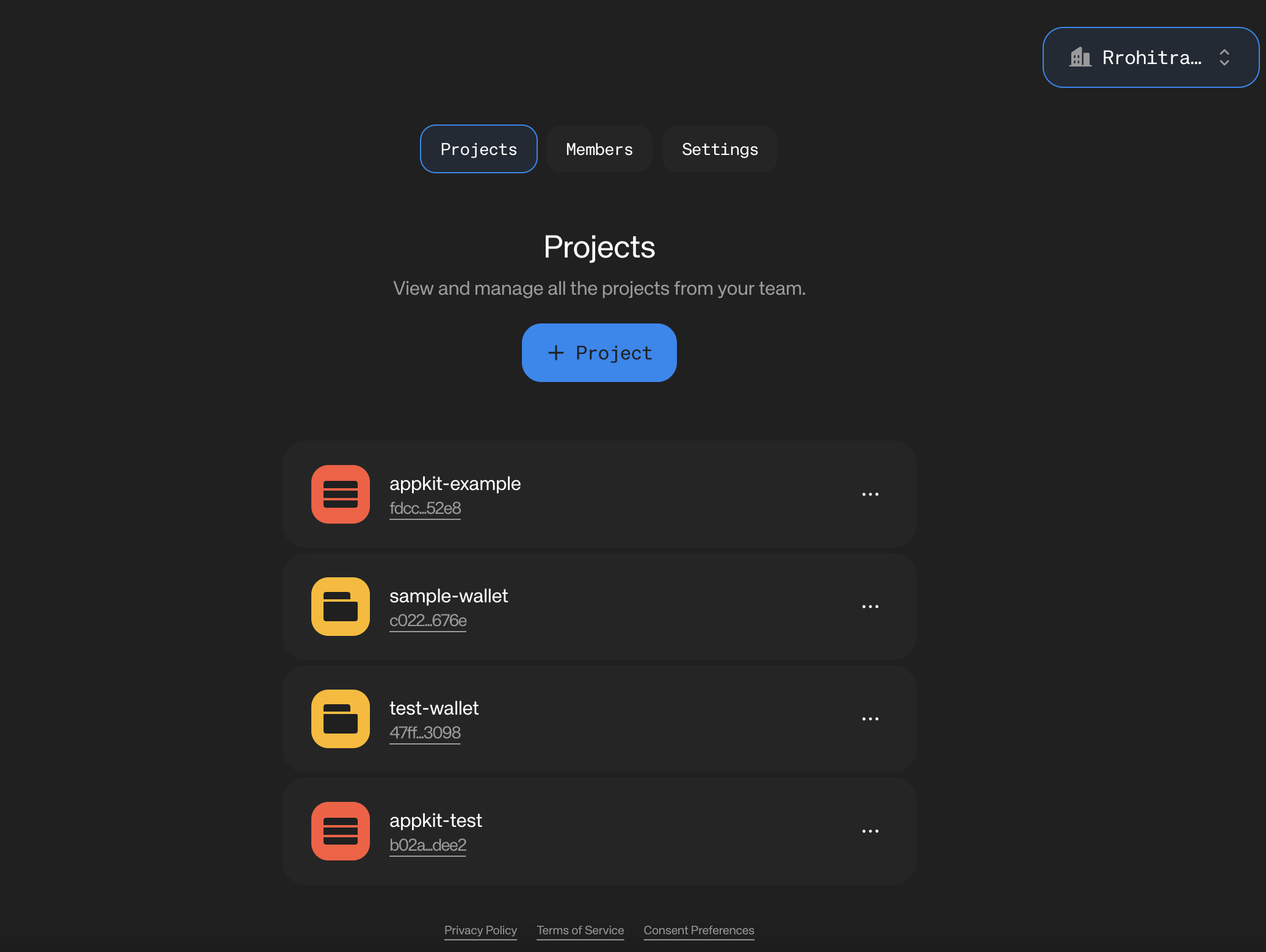
-
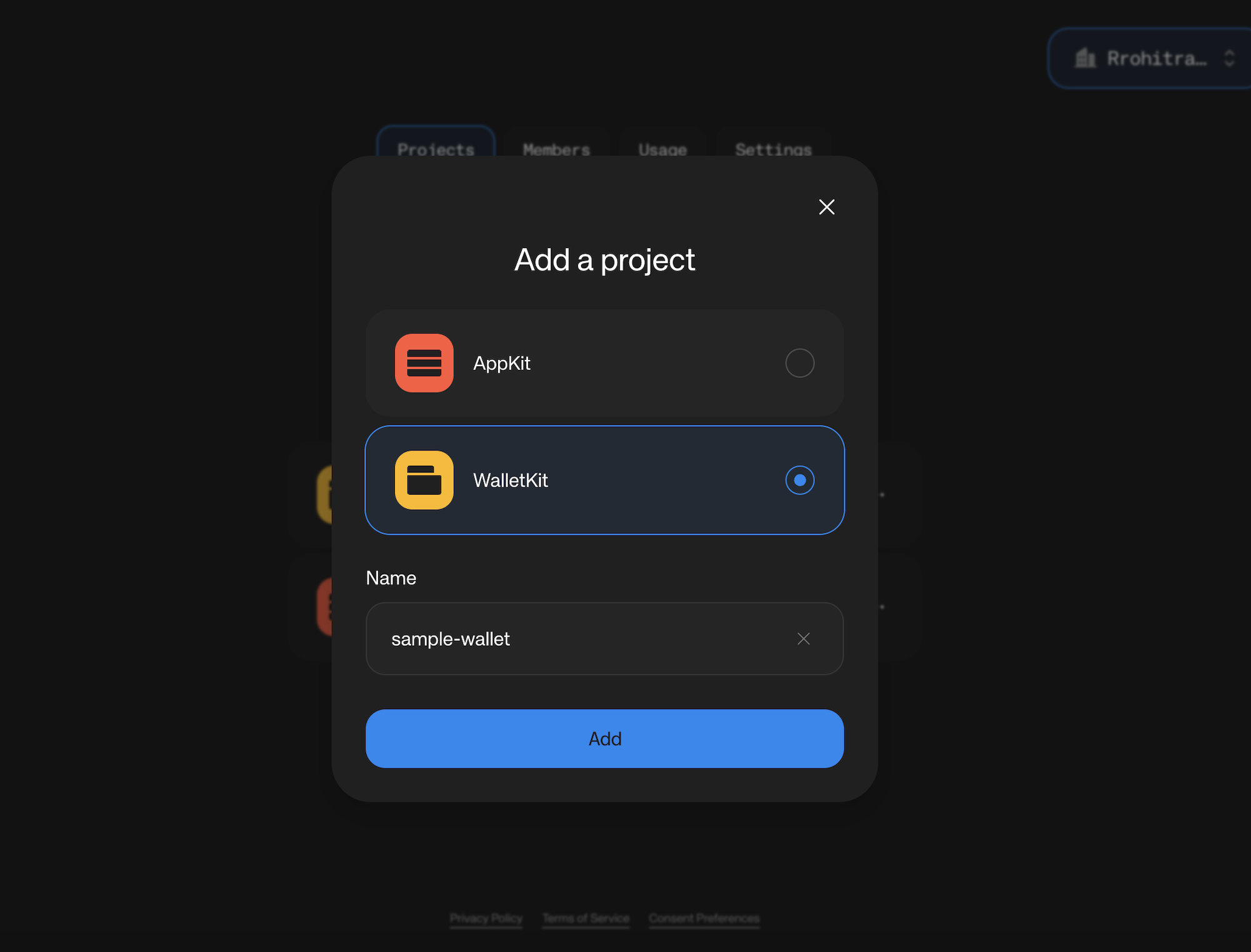
Give a suitable name for your project, select Wallet (WalletKit) and click the “Create” button. You can change the name for your project later.
Project Details
-
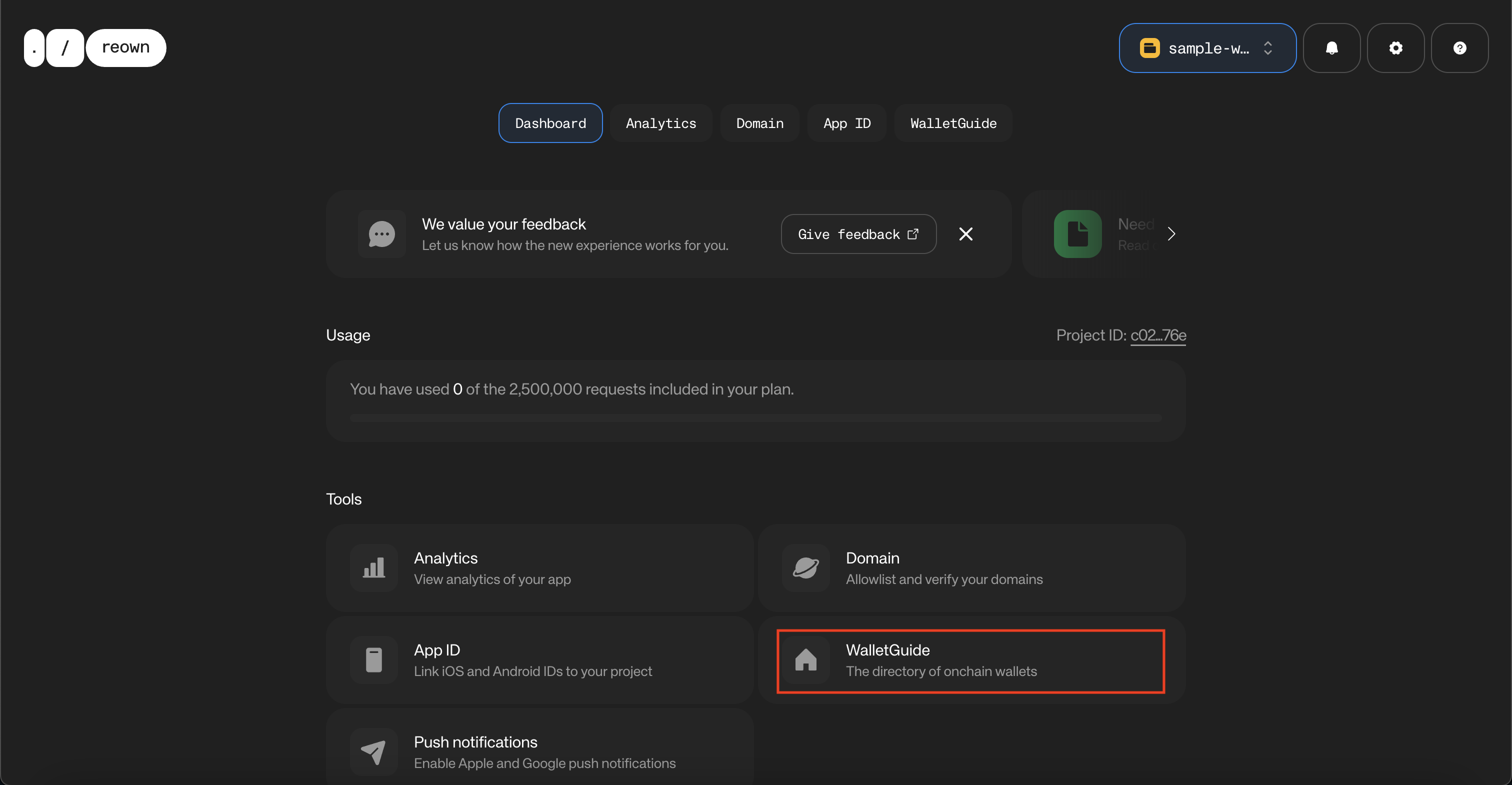
Click on “WalletGuide” to proceed to fill in the details of your wallet.
-
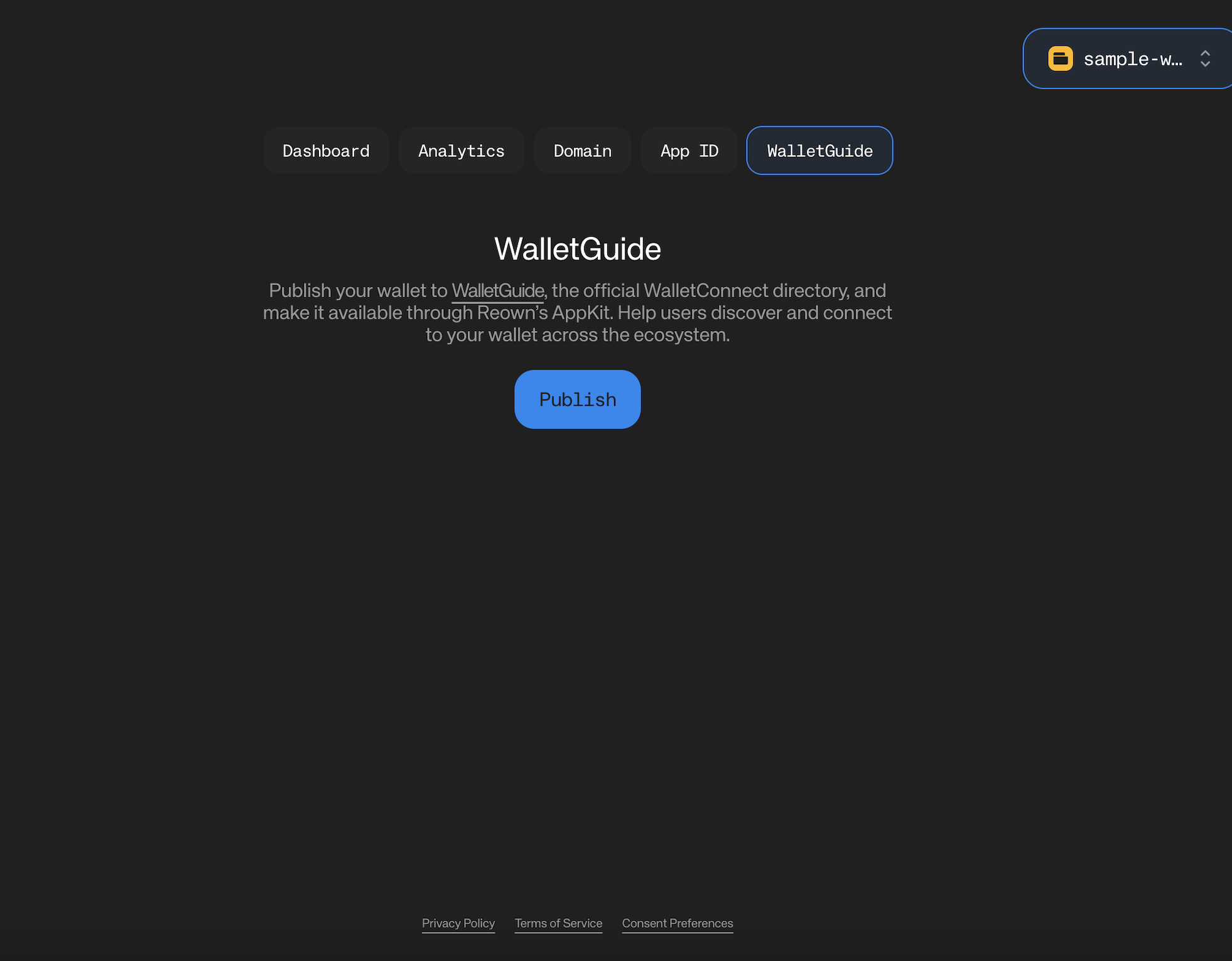
You will now see an option to publish your wallet to WalletGuide. Click “Publish” to proceed.
- You will now see a form to fill in the details of your wallet as shown below.
Project Submission
-
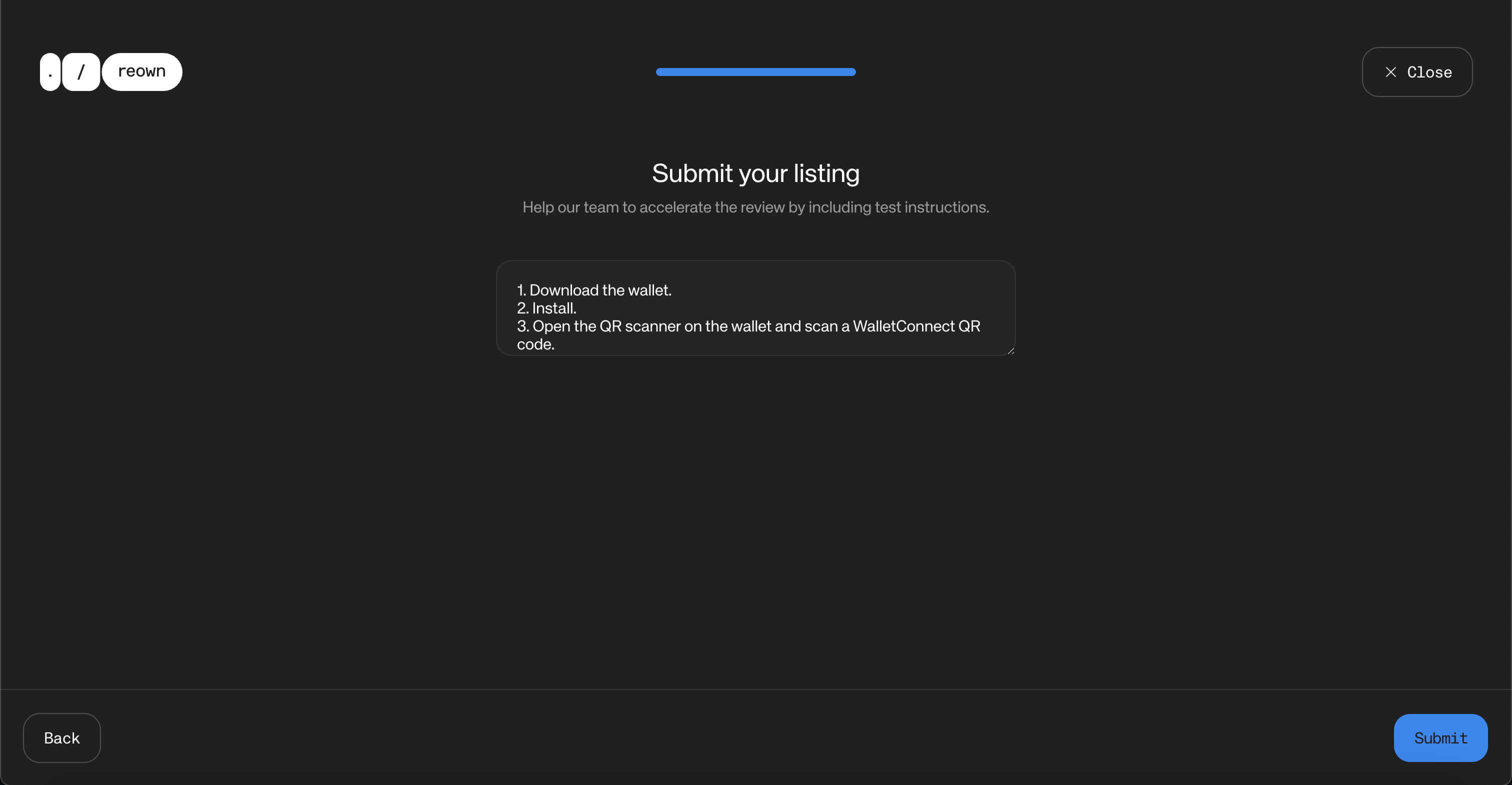
Once you’ve filled the applicable fields, click the “Submit” button to submit your project for review. Alternatively, you can save your changes and submit later. Additional information will be visible in the modal that appears after clicking the “Submit” button.
How do we test wallets?
In order to offer a great user experience in our APIs and SDKs every Cloud submission goes through a QA process to make sure that the integration of the WalletConnect protocol is working correctly. The following list details our QA flow and how to reproduce it:Chain Specific
The following test cases only apply for wallets supporting a particular set of chains.- EVM
- Solana